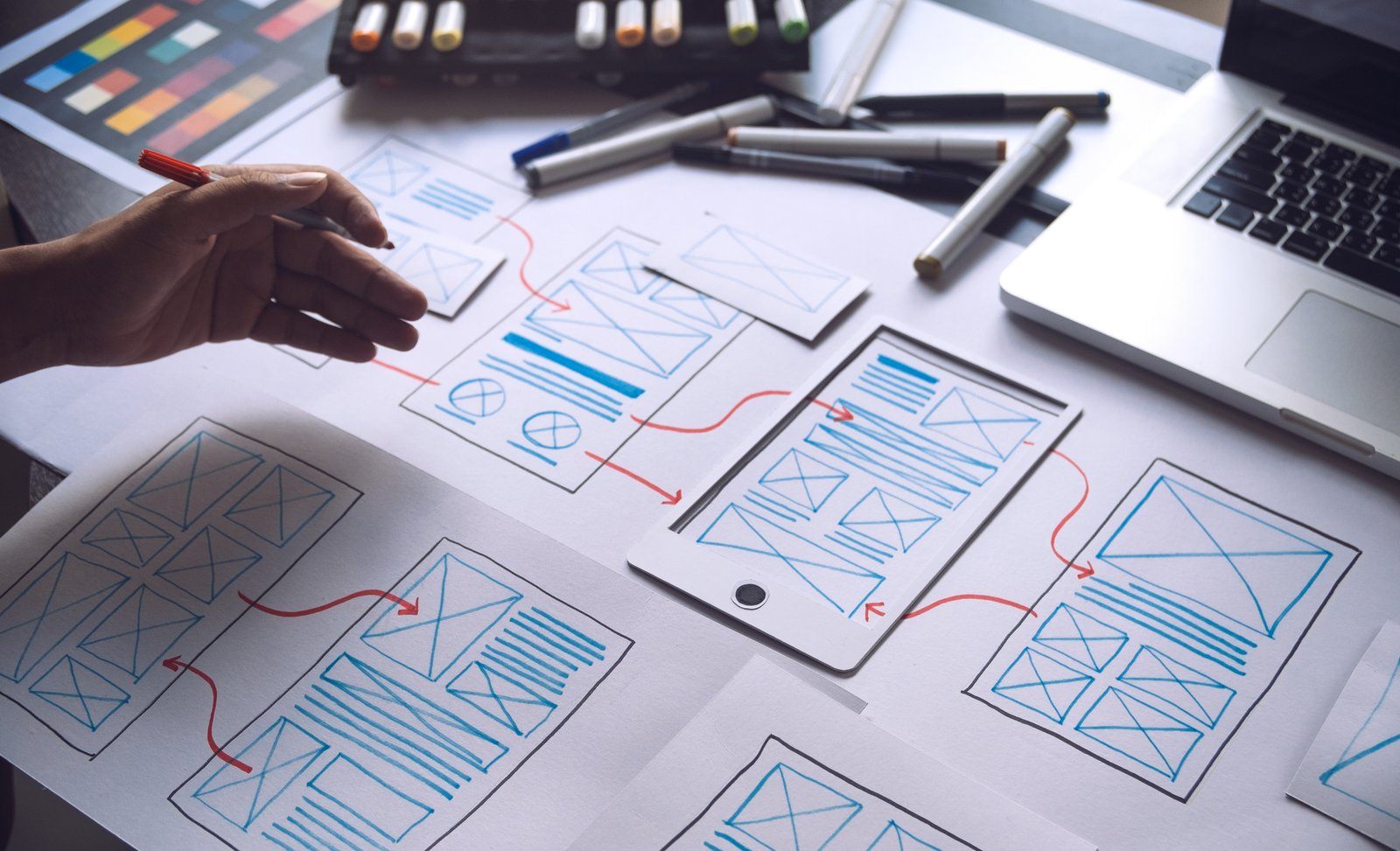
Green UX/UI design is increasingly relevant to organisations seeking to create digital experiences that are efficient, accessible and responsible in their use of resources. As websites, mobile applications and online services become more visually sophisticated, designers must consider not only how an interface looks, but also how much data it transfers, how easily people can use it and whether its features serve a meaningful purpose.
AI-generated art introduces new possibilities for developing distinctive visual identities, conceptual illustrations and interface assets. It can help designers explore ideas, communicate complex subjects and establish visual consistency across digital products. However, its contribution to sustainable design depends on how those assets are produced, implemented and maintained.
An AI-generated image is not inherently more efficient than a photograph, illustration or conventional graphic. Responsible design requires evaluating the entire experience, including visual complexity, accessibility, technical performance and the environmental implications of unnecessary digital activity.
1. Using AI Art to Support Efficient Interface Design
AI-generated art can assist designers during the early stages of interface development. It allows teams to explore different visual directions, test conceptual illustrations and establish a consistent aesthetic before committing to finished assets. This can be useful when developing websites or applications that need a distinctive identity without relying on generic visual libraries.
Efficiency, however, should not be confused with the speed of image generation. Producing dozens of alternatives, repeatedly refining prompts and creating assets that are never used can increase computing requirements. A more disciplined approach begins with a clear design brief, a defined visual system and specific requirements for each image.
The objective should be to create only the assets that improve the interface. Decorative images that add little information or interfere with navigation can increase page weight without improving usability. Designers should evaluate whether an illustration, existing asset, CSS treatment or simple geometric element is the most appropriate solution before generating something new.
2. Creating Lightweight Visual Systems
The technical format of an image has a direct effect on how efficiently it can be delivered. Large raster images, unnecessary animation and oversized backgrounds can increase data transfer and delay page rendering, particularly on mobile connections.
AI-generated images can be resized, compressed and exported in appropriate formats, just like conventional artwork. WebP and AVIF may offer useful compression for photographic or complex raster images, while SVG is suitable for certain vector illustrations, icons and geometric elements. A raster image does not automatically become a true vector graphic simply by saving it with an SVG extension; vector artwork must be created or properly converted.
Designers should also use responsive image sizes, suitable caching and appropriate loading strategies. Images below the initial viewport can often be loaded lazily, while important above-the-fold visuals may require prioritised loading. The most effective approach is determined by the asset’s function, dimensions and contribution to the overall user experience.
3. Making Environmental Information Easier to Understand
Ethical brands often communicate subjects that involve complex relationships, such as circular production, responsible sourcing, biodiversity or resource efficiency. These topics can be difficult to explain through short interface labels or isolated numerical indicators.
AI-generated art can provide visual metaphors that support comprehension. For example, an interface explaining a product’s repair and reuse options might use a modular illustration showing how components can be maintained or replaced. A resource-management dashboard could use a consistent set of geometric forms to distinguish different types of information.
Visual metaphors must remain subordinate to accurate information. An animated tree growing in response to user activity should not imply verified carbon savings unless the calculation is supported by an appropriate methodology. Illustrations can help explain an environmental concept, but they should not substitute for evidence, precise terminology or clearly labelled data.
4. Designing Accessible and Inclusive Experiences
Accessibility is an essential part of responsible UX/UI design. An interface that looks visually refined but cannot be used by people with different visual, motor or cognitive needs is not an effective digital product.
AI-generated art may assist in developing visual alternatives, but the outputs require review. Decorative illustrations should not interfere with text contrast, while meaningful images need appropriate text alternatives. Icons should communicate their function clearly rather than relying on abstract symbolism that users must interpret.
Designers should follow recognised accessibility guidance, including the Web Content Accessibility Guidelines (WCAG). Colour should not be the only way information is communicated, essential controls must remain usable without a mouse, and unnecessary motion should be limited. AI can support asset development, but accessibility must be tested in the functioning interface rather than assumed from the appearance of individual images.
5. Building Ethical User Journeys Without Manipulative Design
Responsible UX/UI design extends beyond image optimisation and visual aesthetics. The structure of an interface influences how users understand information, make decisions and interact with products or services.
AI-generated artwork can support clear explanations of product durability, repairability, environmental certifications or alternative purchasing options. For example, an e-commerce interface might use simple illustrations to explain a refill system or show the steps involved in returning reusable packaging. These visuals should make the process easier to understand rather than pressure customers into a particular decision.
Environmental claims must also be accurate and proportionate. A checkout animation celebrating a supposedly carbon-neutral delivery option can be misleading if the underlying claim is unverified. Ethical interface design avoids exaggerated sustainability cues, hidden defaults and manipulative prompts. Users should receive clear information and retain meaningful control over their choices.
Practical Applications of AI Art in Green UX/UI
Sustainable E-Commerce Interfaces
AI-generated illustrations can help explain product lifecycles, repair instructions, refill programmes and material information.
For example, a clothing retailer could use a consistent illustration system to explain garment care and repair options. These visuals could complement accurate product photographs and technical specifications rather than replace them.
Generated imagery should never misrepresent the appearance, fit, colour or construction of a product being sold.
Environmental Dashboards
Dashboards frequently combine complex datasets with visual indicators. AI art may help develop background concepts, explanatory illustrations or visual identities that make the interface approachable.
However, charts, scales and numerical relationships should be implemented using reliable data-visualisation methods. Decorative artwork must not distort the meaning of the information.
The distinction between a symbolic representation and a measured environmental outcome should remain clear.
Educational Websites and Applications
Interactive educational platforms can use AI-generated scenes to introduce subjects such as biodiversity, waste management or energy systems.
Illustrations may help learners explore unfamiliar concepts, but factual content should be independently verified. Where images depict particular species, habitats or scientific processes, accuracy matters.
The interface should also provide alternatives for users who cannot access animation or complex visual interactions.
Digital Brand Design Systems
Organisations can use AI-assisted concept development to establish consistent visual principles across websites, applications and digital communications.
A reusable system of shapes, colours, illustration styles and layout patterns can reduce unnecessary redesign and improve visual consistency.
The final assets should be documented and maintained like other design-system components. Generating a new image for every interface element is rarely an efficient substitute for a coherent design library.
How to Implement AI Art Responsibly in UX/UI Design
Start With the User Experience
Define the purpose of each visual before selecting an AI tool. Determine whether the asset is decorative, instructional, navigational or part of a data presentation.
An illustration that explains a process may justify its presence. A large background image that adds no meaningful information may not.
User needs should determine the design approach, rather than the availability of an image-generation feature.
Establish a Controlled Visual Workflow
Create a concise visual specification covering colours, proportions, image dimensions, composition and acceptable stylistic variation.
Generate a limited number of concepts, review them against the interface requirements and refine the most suitable option. Retain reusable source assets where licensing and workflow conditions permit.
This reduces unnecessary experimentation and makes subsequent updates easier.
Optimise Assets Before Deployment
Resize images to the dimensions required by the interface and select appropriate formats.
Tools such as Squoosh, ImageOptim and browser development tools can help designers evaluate compression and performance. For vector-based interfaces, carefully constructed SVG assets may be preferable to complex raster graphics.
Optimisation should preserve sufficient visual quality and accessibility. Extremely aggressive compression can make instructional content difficult to interpret.
Test the Complete Interface
A lightweight image does not guarantee a lightweight website. Scripts, fonts, third-party services, animations and inefficient layout behaviour can also affect performance.
Use tools such as PageSpeed Insights and browser performance testing to identify problems. Evaluate mobile performance and the experience of users on slower connections.
Accessibility testing should be conducted alongside performance testing, not treated as a final visual inspection.
Maintain and Reuse Assets
A design system should support updates without requiring every visual element to be recreated.
Document where assets are used, retain appropriate versions and remove obsolete files according to the organisation’s retention policies.
Reusing effective assets can reduce production effort and unnecessary duplication while maintaining a consistent experience.
Measuring Performance and Environmental Impact
Responsible green UX/UI design requires measurable outcomes rather than assumptions about visual style.
Useful technical indicators include:
Page weight: The total data transferred during a page load.
Largest Contentful Paint (LCP): How quickly the main visible content appears.
Interaction to Next Paint (INP): How responsive the interface is to user interactions.
Cumulative Layout Shift (CLS): How visually stable the page remains during loading
Asset reuse: Whether existing approved visuals are being reused instead of being repeatedly recreated.
These measures can identify performance and usability improvements, but they do not independently establish carbon savings.
Website emissions estimators may provide approximate indicators based on assumptions about data transfer, infrastructure and electricity. Their results should be treated as estimates rather than direct measurements of a specific user’s environmental impact.
Where environmental comparisons are made, organisations should explain the assumptions, measurement boundaries and limitations involved.
Common Mistakes to Avoid
Treating Minimalism as Proof of Sustainability
A visually simple interface is not automatically energy-efficient. Its performance depends on implementation, network activity and underlying infrastructure.
Similarly, a dark interface does not consistently consume less energy on every display technology. Darker pixels can reduce power consumption on some emissive displays, such as OLED, but the outcome varies by device and use.
Generating Assets Without a Defined Purpose
AI tools make visual experimentation convenient, but unlimited generation can create unnecessary work and resource consumption.
A smaller, carefully selected asset library is often easier to manage and maintain.
Replacing Accurate Product Photography With Fictional Images
Generated images may introduce details that do not exist in the actual product.
For ethical brands, accurate representation is especially important when communicating material properties, manufacturing characteristics or environmental attributes.
Using Environmental Symbols as Evidence
Leaves, forests, natural textures and green colour palettes can suggest environmental responsibility without demonstrating it.
Such imagery should not replace verifiable information about products, operations or environmental performance.
Ignoring Accessibility in Pursuit of Visual Novelty
Complex visual effects can create barriers for users and increase technical demands.
An effective interface prioritises clarity, accessibility and reliable functionality over unnecessary spectacle.
Conclusion: Green UX/UI Requires More Than Green Visuals
AI-generated art can contribute to green UX/UI design by supporting distinctive visual systems, explanatory illustrations and more efficient creative workflows. Its value depends on how carefully it is integrated into the wider digital experience.
For ethical brands, responsible design means balancing visual creativity with performance, accessibility, accurate communication and transparent environmental claims. AI-generated imagery should support these objectives rather than become an additional layer of unnecessary digital complexity.
The most effective approach is not to replace every conventional design asset with AI art. It is to select the right visual method for each purpose, reuse resources where practical and create interfaces that are useful, efficient and trustworthy.